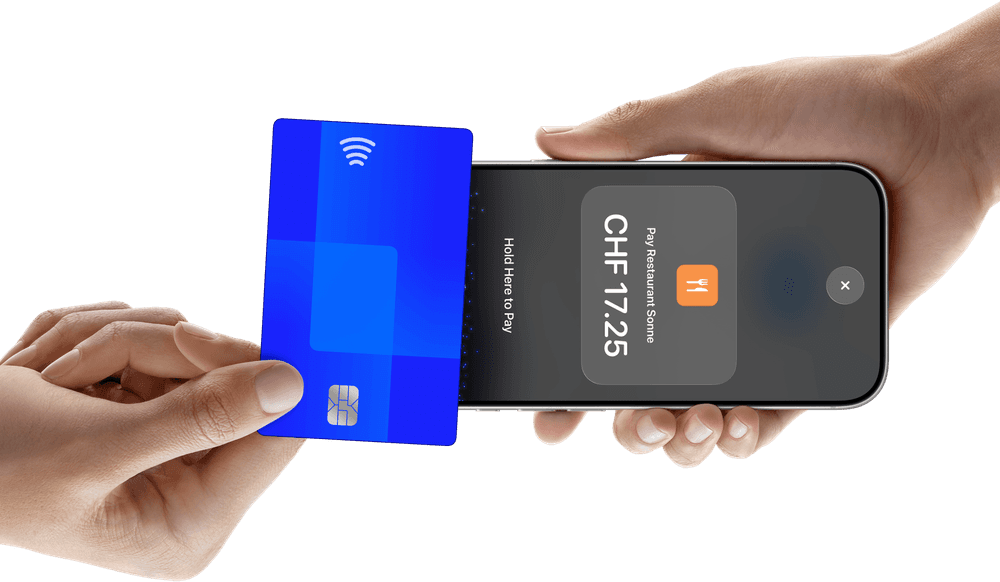
Tap to Pay on iPhone
Accept contactless payments right on your iPhone.
With Tap to Pay on iPhone, there’s no need for additional card readers and terminals. All you need is your iPhone and the Yoordi POS app.
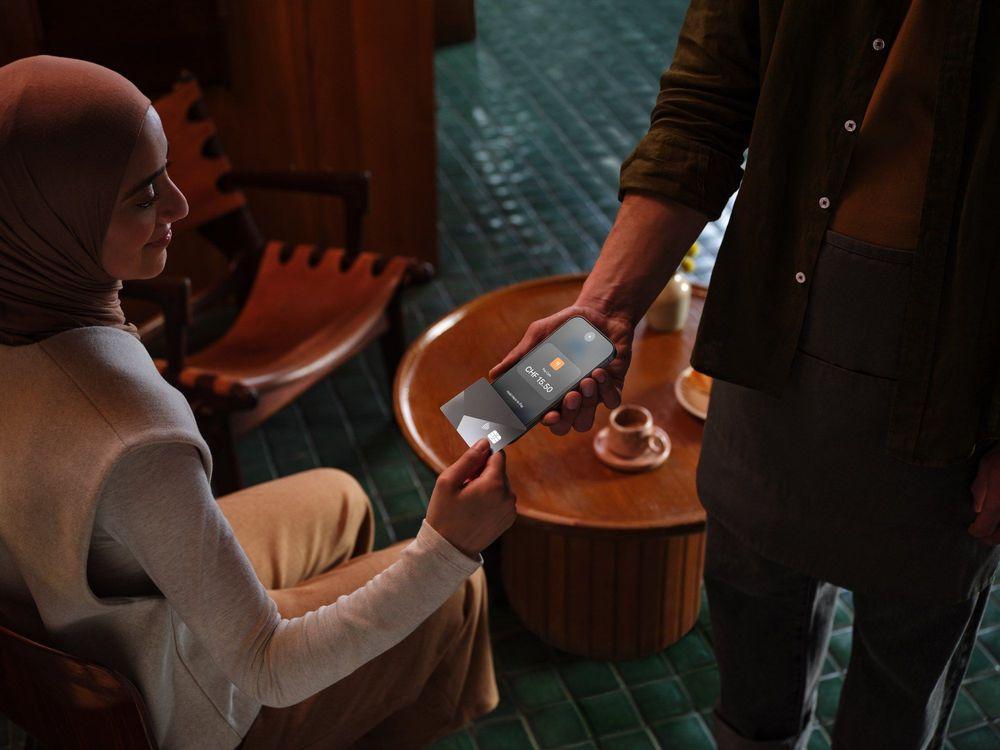
Expand where you do business.
With Tap to Pay on iPhone, you can accept all types of in-person, contactless payments right on your iPhone so you can reach more customers, take payments on the go, and explore new setups, like line busting.
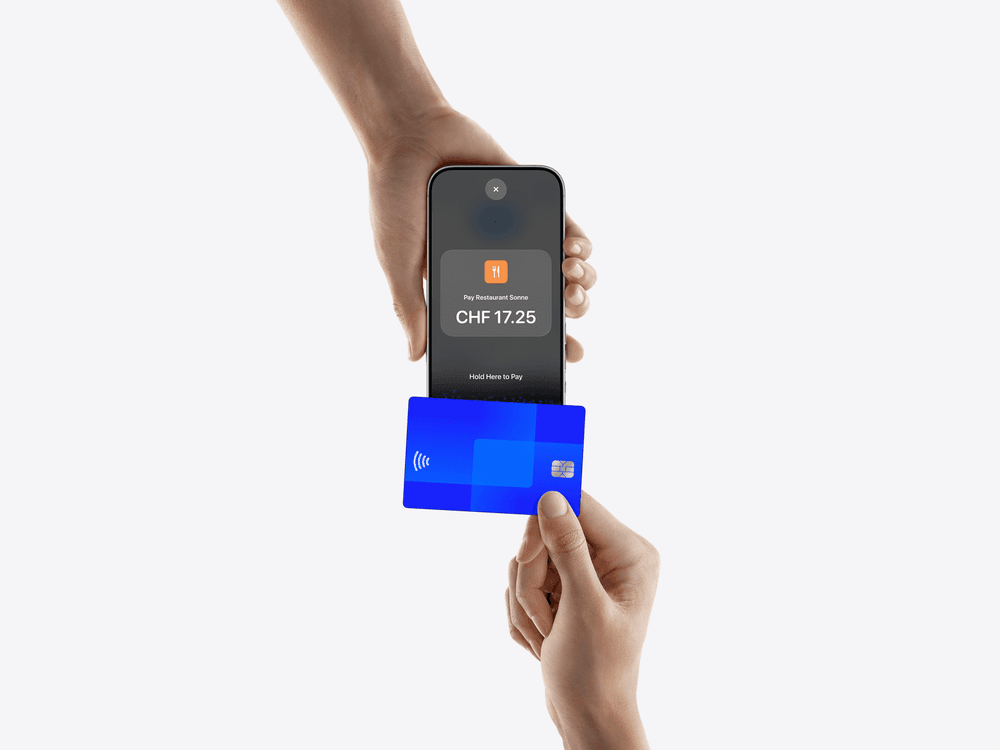
No additional hardware required.
With Tap to Pay on iPhone, you can accept in-person, contactless payments right on your iPhone. There’s no need for additional card readers or terminals. All you need is your iPhone and the Yoordi POS app.
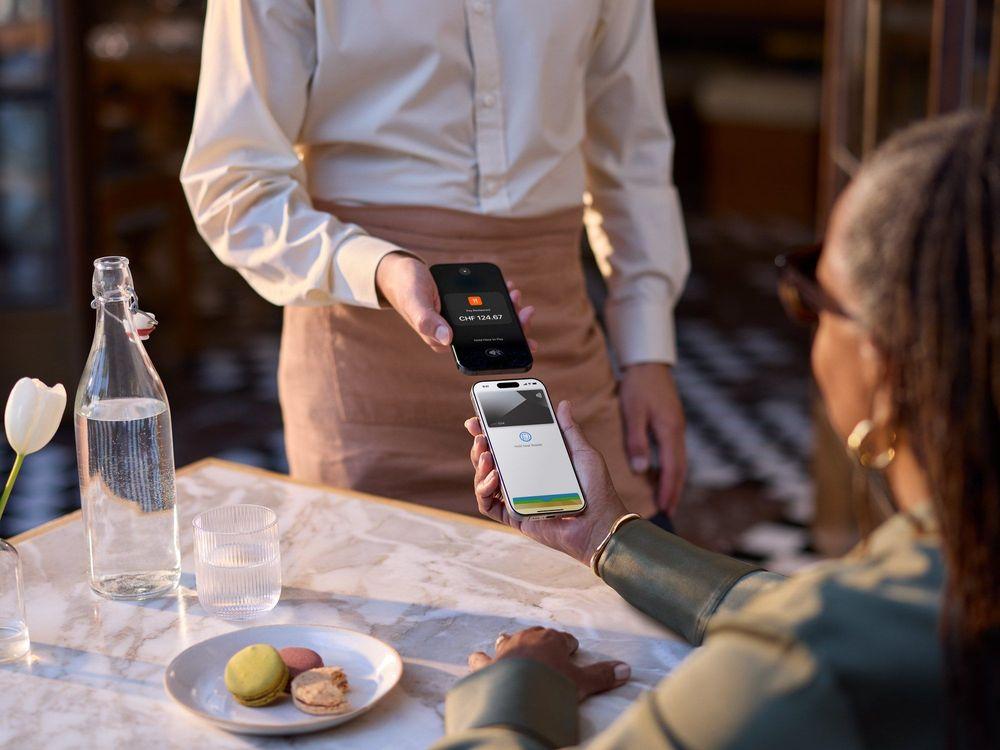
Privacy and security of iPhone built in.
Tap to Pay on iPhone uses the built-in security and privacy features of iPhone to help protect your business and customer data. When a payment is processed, Apple doesn’t store card numbers or PIN information on Apple servers. So merchants and customers can rest assured that their data stays theirs.
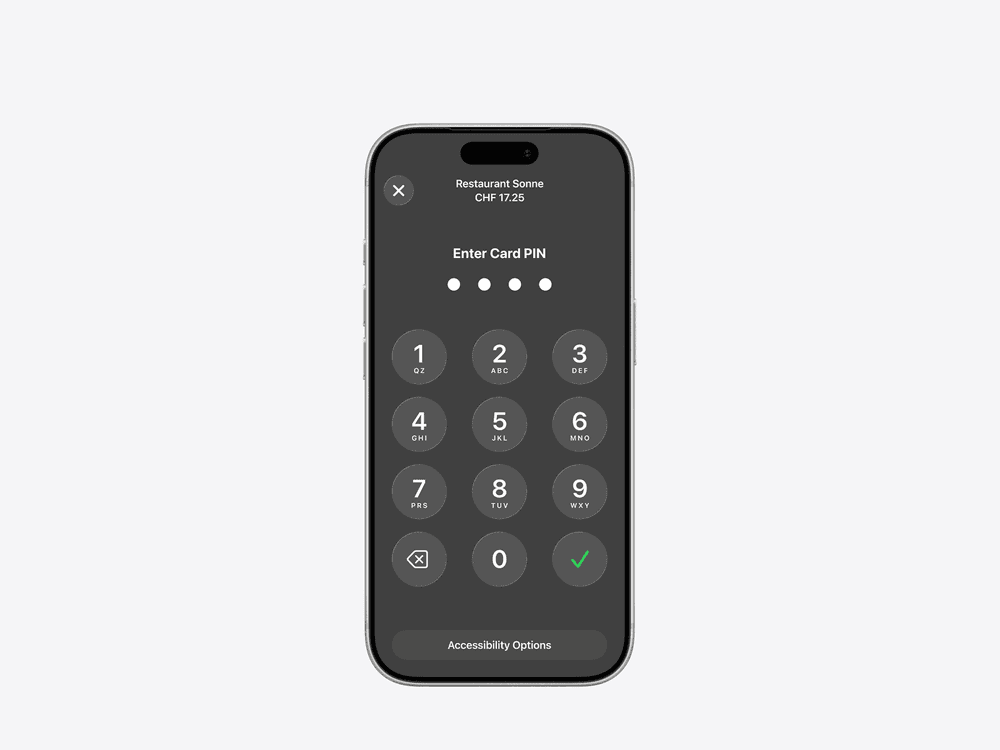
PIN transaction protection.
Transactions that require PIN entry will automatically prompt a PIN entry screen when using Tap to Pay on iPhone. During a transaction, Tap to Pay on iPhone is designed to prevent all photo, video, screenshot, and screen-recording features on the merchant’s iPhone from capturing a customer’s card number or PIN information.

Accessible for everyone.
For customers needing visual or other assistance, accessibility options are built into Tap to Pay on iPhone to help them securely enter PIN information. Audible instructions guide customers to draw their PIN on the screen or tap the screen to indicate each digit—tapping once for 1, twice for 2, and so on. To submit their PIN, they simply swipe right with two fingers.
Getting started is easy.

Sign a contract with Yoordi.
Card payments run through Yoordi Pay.

Download the Yoordi POS app.
You need an iPhone XS or later with the latest version of iOS and a passcode set up.

Accept in-person payments right on your iPhone.
Get started with Tap to Pay on iPhone and Yoordi POS today.
Our team is happy to help.
Legal notices
Tap to Pay on iPhone requirements: Tap to Pay on iPhone requires a supported payment app and the latest version of iOS. Update to the latest version by going to Settings > General > Software Update. Some contactless cards may not be accepted by your payment app. Transaction limits may apply. Tap to Pay on iPhone is not available in all markets. For Tap to Pay on iPhone countries and regions, see https://developer.apple.com/tap-to-pay/regions/.
Contactless Indicator mark: The Contactless Indicator mark, consisting of four graduating arcs, is a trademark owned by and used with permission of EMVCo, LLC.
Contactless Symbol: The Contactless Symbol is a trademark owned by and used with permission of EMVCo, LLC.
Encryption and storage for Tap to Pay on iPhone: Encrypted card numbers are temporarily stored on iPhone only for transactions made in Store and Forward mode.